Calibration and warping for fulldome projections
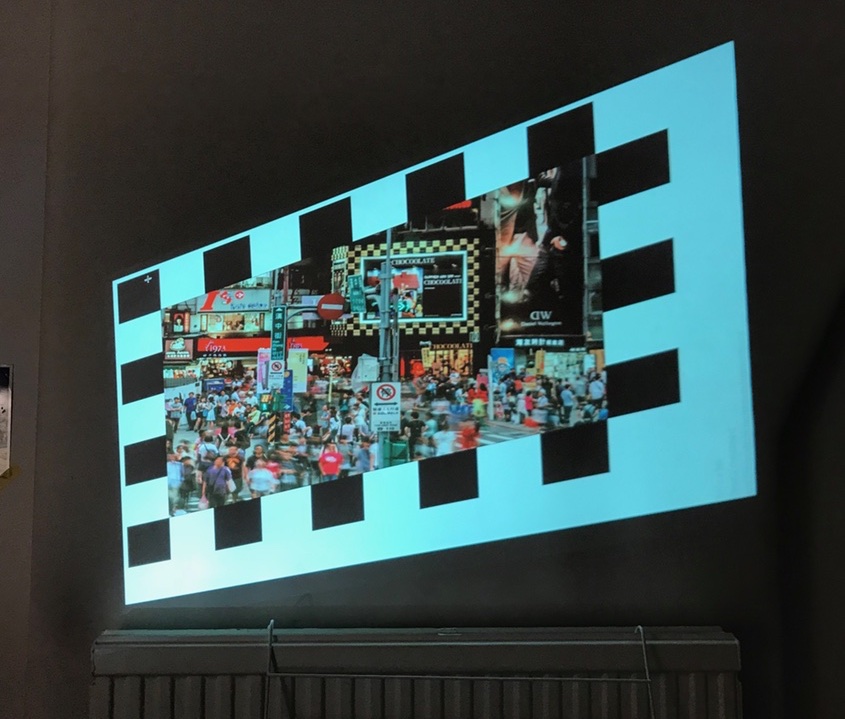
This ongoing project aims to create tools for easy, camera-based multi-projector calibration for fulldome environments. It supports 3D simulation output that must be rendered, warped and blended across multiple overlapping projectors. No projection server is required, so simulation software can render directly to the projectors and preserve the highest possible image quality.
Although domed projection surfaces are the initial target, the approach works with other surface shapes when their basic geometry is known.
The approach
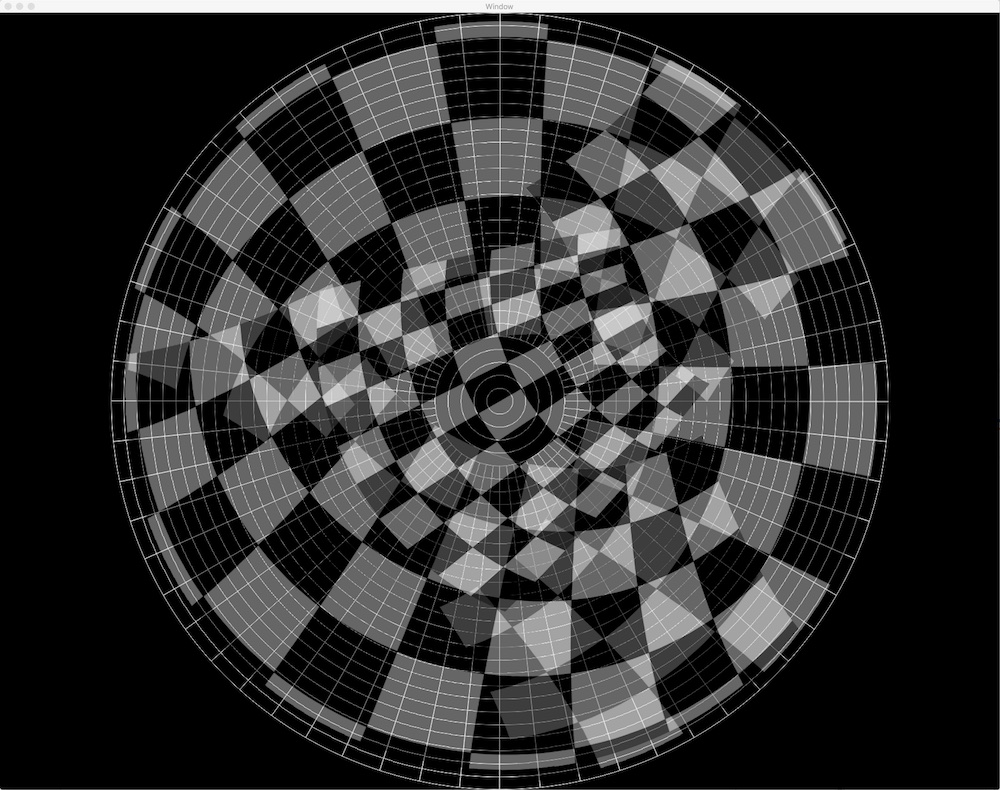
By photographing calibration patterns—such as chessboards—projected onto the dome, it should be possible to understand how light from each projector falls on the surface. This builds a mapping from each projector pixel to a corresponding 3D position on the dome.
Using one camera with a fisheye lens at the centre of the dome makes the maths needed to convert camera observations into physical coordinates much simpler. For now, the system assumes a single camera with a perfect fisheye lens.
With a mapping from projector screen space to physical dome space, we can work backwards to calculate how the simulated scene should be warped into the projected area. This mapping can be represented as a 2D array in which each coordinate pair gives the target offset for a point in rendered screen space.
The warping operation can be a post-processing step for live 3D simulations. For each projector, the scene is rendered to a buffer from the virtual eye point with a model and projection matrix that covers the projected dome area. The buffer becomes a texture on an orthogonally projected mesh, offset to produce the final warped image.
Dome simulator
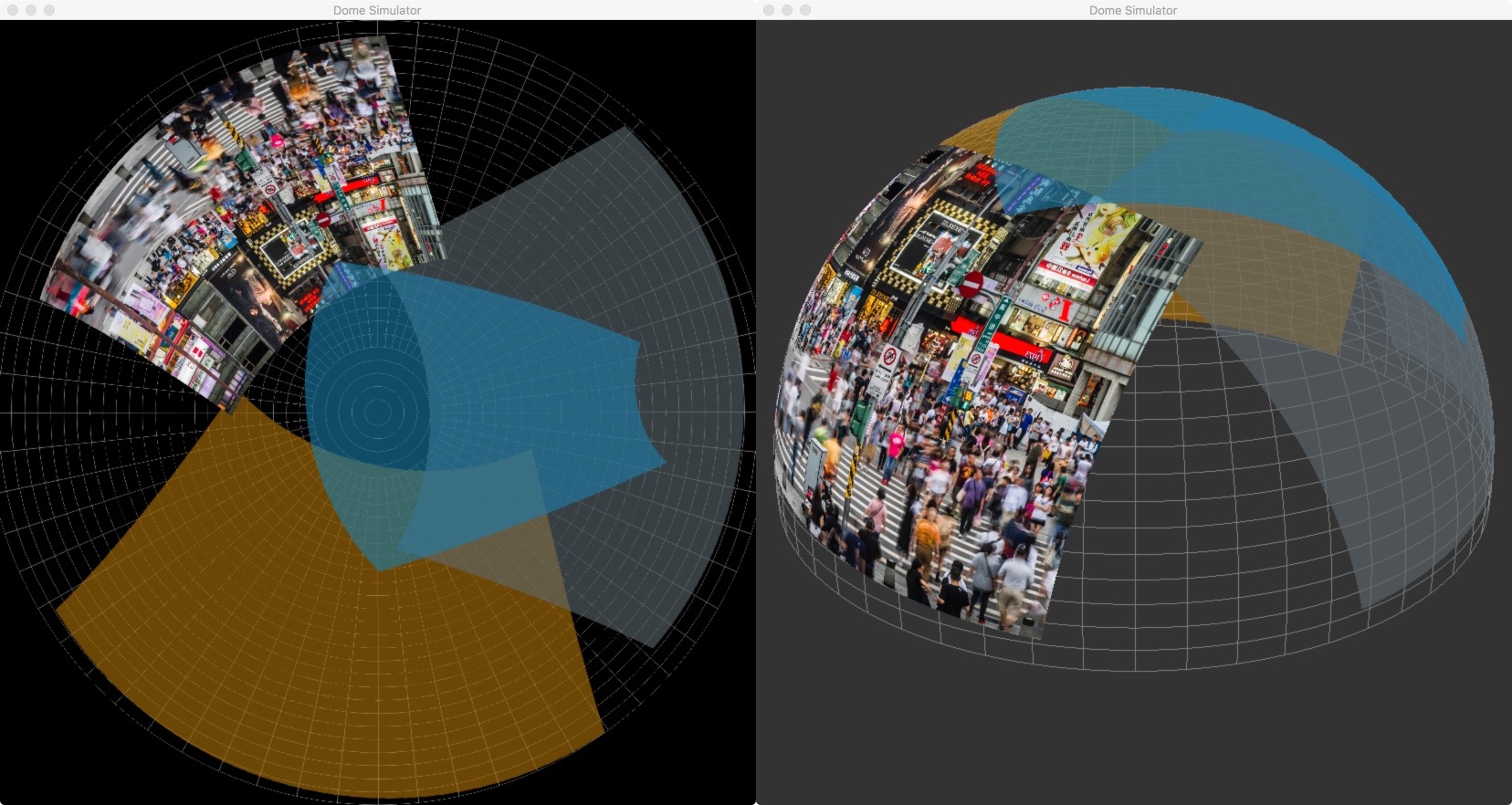
Because I do not have easy access to a large hemispherical dome and several projectors, I built a simulator that provides fake input for calibration and displays the resulting aligned and warped output.
The simulator is a Cocoa application in which dome parameters and projection sources can be configured, including position, orientation and field of view. An HTTP interface accepts screen images for each projector. The simulator renders them onto a virtual dome mesh by intersecting lines through each projector’s frustum with the dome surface.
Calibrator
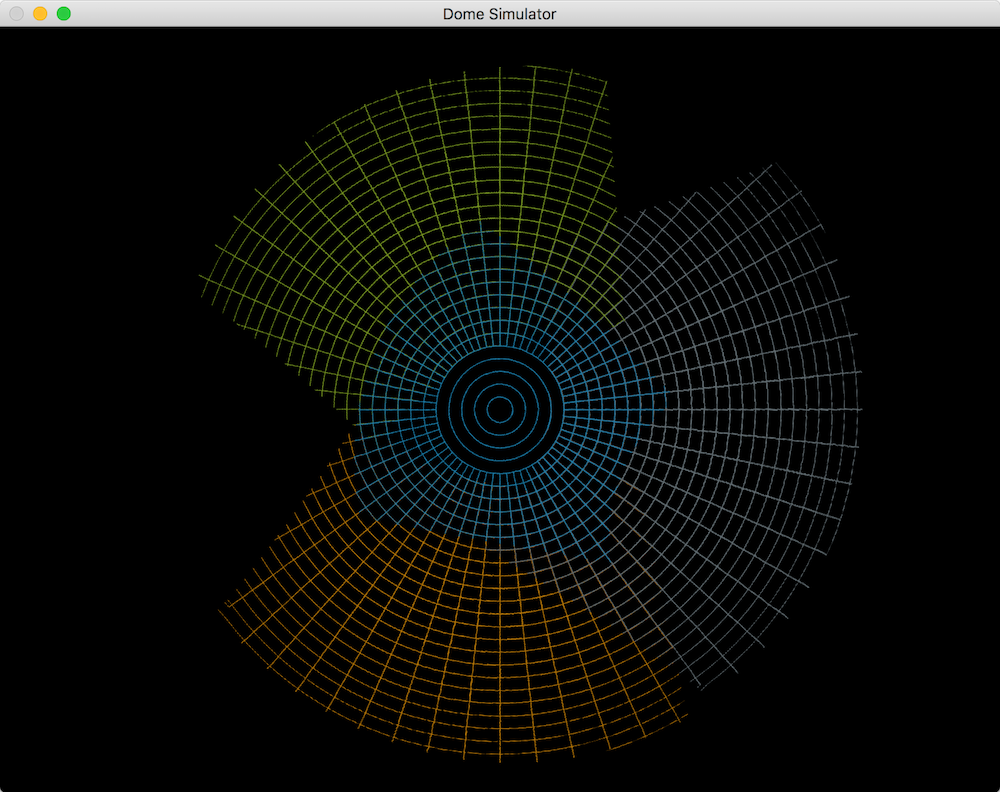
The calibrator requests fisheye “photos” from the simulator through its HTTP server. It generates and sends a chessboard calibration pattern, then calculates a warp for each simulated projector. It also estimates the projector’s pose and an optimum scene field of view from an eye point at the centre of the dome.
To assess alignment and warp quality, the simulator can render the dome using the model-view and field of view returned by calibration. The eye remains at the centre of the sphere and looks toward a field wide enough to render the scene that will be warped into each projector’s region. The rendered dome should exactly match the known dome geometry.